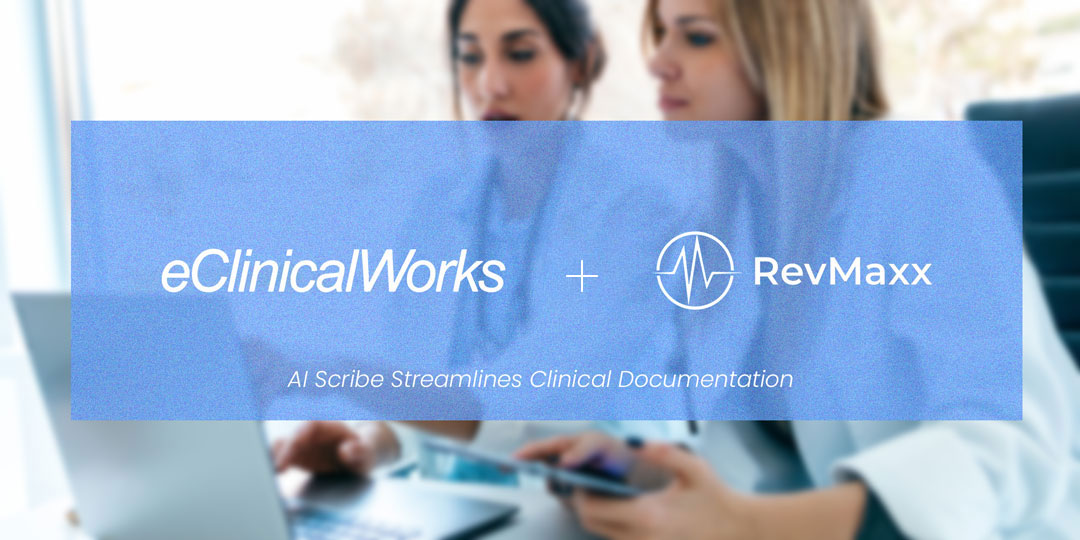
Managing patients is rewarding, but documentation is frustrating! Many healthcare providers using the EHR system, feel overwhelmed by endless note-taking and coding tasks. This not only eats up physicians’ “Me Time” but also steals time from patient care. As a result, physicians have to face long workdays, administrative workload, frustration and more. That’s where RevMaxx AI scribe comes in. It now has the eCW integration to make clinical documentation simpler and faster.
So, whether you run a small clinical practice or a large healthcare organization, this EHR integration helps physicians to focus less on charting and more on what matters most: patient care.
Today, in this blog, we explore how eCW and RevMaxx integration works smoothly. Let’s get started!
Why Clinical Documentation Needs a Better Solution?
Physicians nowadays spend too much time on paperwork. According to a report, they spend around 35% of their working hours just documenting patient records. This means less time for patient care and more late nights completing notes after hours. As a result, healthcare providers feel frustrated, overwhelmed and burned out.
Popular EHR systems, like eCW (eClinicalWorks) is managing patient data, but they don’t simplify note-taking during visit. Doctors still need to type out SOAP notes, code search and manual patient charts updates. This slows down clinical workflows and doctors feel pressured to complete the documentation outside of the clinical hours.
That is the reason many healthcare providers are now turning to AI-powered scribe tools to streamline charting and regain their time.
What is eClinicalWorks (eCW) EHR?
eClinicalWorks (eCW) is one of the most popular electronic health record (EHR) systems widely used by clinics and hospitals. It helps healthcare providers manage patient details, schedule appointments, check lab results and handle medical billing- all in one. More than 130,000 doctors and 850,000 medical professionals use this EHR system to keep their practices running smoothly.
But still, many doctors struggle with one big challenge: manual documentation. Every patient visit requires physicians to type SOAP notes, proper medical code research and update charts by themselves. This takes valuable time away from patient care and adds stress. Besides, this EHR system cannot capture patient-doctor conversations automatically. This is where clinics that use eCW EHR are looking for smarter and automated scribing solutions to reduce their charting workload.
Meet RevMaxx AI Scribe
RevMaxx is a simple AI-powered scribing tool designed to help doctors and healthcare providers complete their notes faster and more accurately, while they are busy on treating patients. It works as a simple chrome extension, integrated easily with popular EHR systems, like eClinicalWorks (eCW) without changing the clinical workflow.
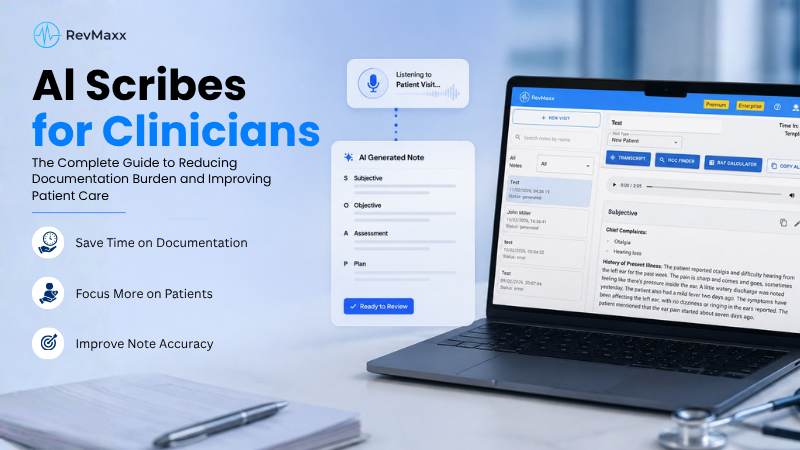
During patient visits, RevMaxx listens ambiently and converts the doctor-patient conversations into structured SOAP notes in seconds. It also suggests billing codes like ICD-10, CPT, HCC and E/M codes to ensure better reimbursement. These notes are automatically generated inside the eCW system, ready for review and submission. This means doctors don’t need to spend hours on typing anymore.
RevMaxx uses advanced machine learning and natural language processing technology for real-time transcription. It allows physicians to focus more on their patients instead of using a keyboard. Additionally it is secure, HIPAA-compliant and designed to protect patient information.
Key Benefits of RevMaxx AI Scribe and eCW Integration
- Save Time: Integrating RevMaxx AI Scribe with eClinicalWorks (eCW) can make a huge difference for busy doctors and clinic teams. One of the biggest benefits is saving time. RevMaxx automatically creates patient notes while you focus on the conversation. Doctors can reduce charting time by up to 50%, giving them more time for patients and less late-night paperwork.
- Coding Accuracy: Another advantage is improved accuracy. RevMaxx uses smart transcription and real-time structuring to create clean, detailed SOAP notes and suggest accurate billing codes like ICD-10, HCC, E/M and CPT. This helps prevent billing errors and supports better patient care.
- Secure: The tool is also HIPAA-compliant and secure, ensuring patient data stays protected at all times. Plus, the integration is simple. RevMaxx works as a Chrome Extension inside your existing eCW system.
How RevMaxx and eCW Integration Works?
Using RevMaxx AI Scribe with your eClinicalWorks (eCW) system is quick and easy. Here’s how you can start:
Step 1: Set Up RevMaxx in eCW
Download the RevMaxx Chrome Extension and activate it from your eCW web version settings. This is a one-time setup that takes just a few minutes.
Step 2: Start the Patient Visit
Open the RevMaxx sidebar, click “Start Visit,” and begin your consultation as usual.
Step 3: Let RevMaxx Handle the Notes
As you talk, RevMaxx listens quietly and creates structured notes in the background. No typing, no interruptions.
Step 4: Review Your Notes
At the end of the visit, check your auto-generated SOAP notes. Make any changes if needed.
Step 5: Save Directly to eCW
With a click, send your final notes directly into the patient’s eCW chart, ready and organized.
Get Started with RevMaxx and eCW Integration
Clinical documentation does not have to feel like a burden. With RevMaxx AI scribe integrated directly with eClinicalWorks (eCW) EHR system, creating patient SOAP notes has become much easier and stress-free than ever before.
From automated SOAP notes to accurate billing codes, RevMaxx works silently in the background while physicians can completely focus on what’s important: delivering quality patient care.
RevMaxx is already being used by thousands of physicians to increase the accuracy of their medical records, save time, and avoid charting after hours. It is completely safe, simple to use, and integrates seamlessly with your current workflow. No need for complex training or system changes.
So, if you are tired of late-night charting, try RevMaxx and eCW integration. Visit RevMaxx AI Medical Scribe to request a free demo.